Introduction.
Internal and external links are two of the most important building blocks of SEO. If you understand how to use internal and external links correctly, you can improve your website’s rankings, authority, and user experience without spending a single dollar on ads.
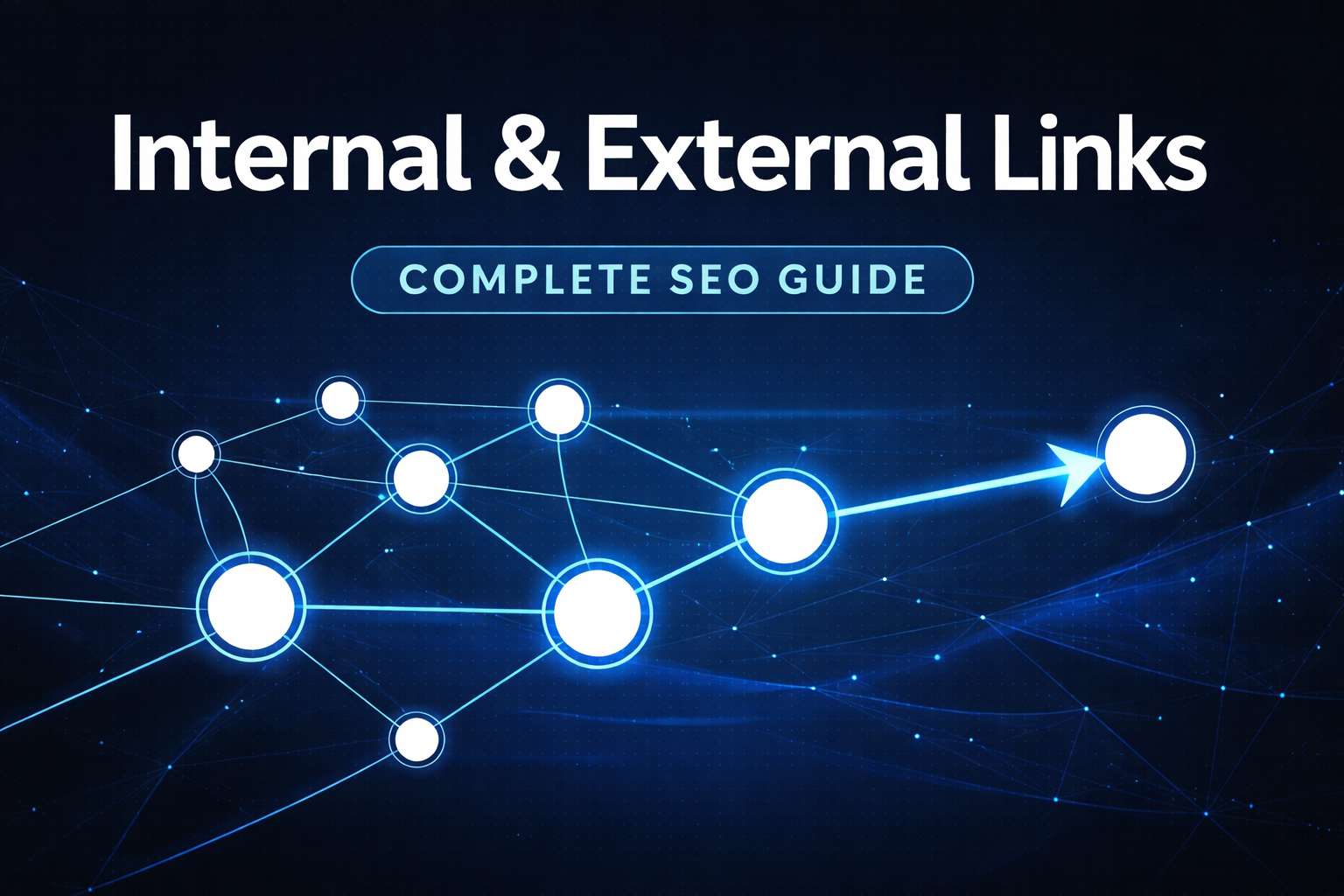
Internal links connect pages within the same website, while external links connect your website to other domains. Both help search engines understand your content, structure your website, and evaluate trust and relevance.
But here’s the thing — most website owners either ignore linking completely or use it randomly. That’s where problems start. Poor link structure can lead to crawl issues, low rankings, orphan pages, and wasted authority.
- What internal and external links really are
- How they work in SEO
- The difference between internal vs external links
- Why both matter for rankings
- Best practices you can apply immediately
- Common mistakes to avoid
- Advanced strategies for 2026
By the end of this article, you’ll know exactly how to build a smart linking strategy that supports long-term organic growth.
What Are Internal Links?
Internal links are hyperlinks that point from one page of your website to another page on the same domain.
For example, if you run a digital marketing blog and your article about “keyword research” links to another article about “on-page SEO,” that’s an internal link.
How Internal Links Work in SEO
Search engines like Google use bots (also called crawlers or spiders) to discover and index content. These bots follow links. If your pages are well-connected through internal linking, Google can easily:
- Discover new pages
- Understand site hierarchy
- Determine which pages are important
- Pass link equity (sometimes called link juice)
Think of internal links like roads connecting houses in a city. If some houses have no roads leading to them, no one can visit them. In SEO terms, these are called orphan pages.
When internal linking is done properly, it improves:
- Crawlability
- Indexation
- User navigation
- Page authority distribution
This is why internal linking in SEO is considered one of the most controllable ranking factors.
Types of Internal Links
Not all internal links are the same. Let’s look at the main types.
Navigation Links
These appear in your main menu. For example:
- Home
- About
- Services
- Blog
- Contact
Navigation links help search engines understand your site structure. They also tell Google which pages are important.
Contextual Links
These are links placed naturally inside content. For example:
“If you’re new to SEO, check out our beginner’s guide to keyword research.”
Contextual links are powerful because they provide relevance signals. The anchor text tells search engines what the linked page is about.
Footer Links
These appear at the bottom of your website. They often include:
- Privacy policy
- Terms
- Important service pages
While useful, they are usually less powerful than contextual links.
Sidebar Links
Common on blogs, these include:
- Recent posts
- Popular articles
- Categories
Used wisely, they can help distribute authority across your website.
What Are External Links?
External links are hyperlinks that point from your website to another domain.
For example, if you link to a research study, a government website, or an industry blog, that’s an external link.
External linking in SEO plays a different role than internal linking. Instead of improving structure, external links help with credibility and context.
Types of External Links
There are two important categories to understand:
Outbound Links
These are links from your website to another website.
Example:Linking to a study published by a recognized organization to support your claims.
Outbound links help:
- Show credibility
- Provide additional value
- Strengthen topical relevance
Backlinks (Inbound Links)
These are links from other websites pointing to your site.
While backlinks are technically external links, they are not controlled by you. They are a key ranking factor and influence domain authority.
When discussing internal and external links, most people focus on outbound links, but understanding backlinks is essential for context.
Difference Between Internal and External Links
Let’s clear the confusion once and for all.
| Feature | Internal Links | External Links |
| Connects | Pages within the same website | Different websites |
| Main Purpose | Improve structure & navigation | Build credibility & relevance |
| SEO Benefit | Distributes link equity | Signals trust |
| Control Level | Fully controlled | Limited control |
| Risk | Over-linking | Linking to spam sites |
In simple words:
- Internal links strengthen your website from the inside.
- External links connect your content to the wider web.
Both are essential. It’s not internal links vs external links. It’s about balance.
Why Internal Links Are Important for SEO
Internal linking in SEO isn’t optional. It’s foundational.
Improves Crawlability
Search engines discover content through links. If your internal linking is strong, Google can crawl your entire website efficiently.
If not, some pages might never get indexed.
Distributes Link Equity
When a high-authority page links to another page internally, it passes authority.
For example, if your homepage has strong backlinks, linking from it to a blog post can help boost that blog post’s ranking potential.
Supports Keyword Relevance
Anchor text matters.
If multiple internal links use descriptive anchor text like “technical SEO checklist,” Google understands the target page is about technical SEO.
This strengthens semantic relevance.
Enhances User Experience
Good internal links keep users engaged. When readers easily find related content, they stay longer.
That reduces bounce rate and increases session duration — positive behavioral signals.
Helps Build Topic Clusters
Modern SEO favors topic clusters.
You create:
- One pillar page (main topic)
- Multiple supporting articles
Internal linking connects them, creating a structured content ecosystem.
Why External Links Are Important for SEO
Some people think linking out reduces authority. That’s a myth.
External links, when used properly, improve trust and topical authority.
Builds Credibility
If you back your claims with reputable sources, your content feels more reliable.
For example, citing industry reports or research data strengthens your arguments.
Improves Context
Search engines analyze linking patterns. When you link to authoritative content in your niche, it helps Google understand your content’s context.
Encourages Natural Linking
When you link to others, sometimes they notice and link back. This can help generate backlinks.
Supports E-E-A-T
Experience, Expertise, Authoritativeness, and Trustworthiness matter more than ever.
Referencing trustworthy sources supports these signals.
Best Practices for Internal Linking
Let’s talk strategy.
Use Descriptive Anchor Text
Avoid generic phrases like:
- Click here
- Read more
Instead, use:
- On-page SEO techniques
- Internal linking strategy
- Technical SEO checklist
Anchor text helps search engines understand the topic of the linked page.
Don’t Overdo It
There’s no exact number for how many internal links per page.
But stuffing 100 links into a 1,000-word article? Not smart.
Keep it natural.
Link to Important Pages More Often
If a page is crucial (like a service page), link to it strategically from multiple relevant articles.
Fix Broken Internal Links
Broken links hurt user experience and waste link equity.
Run regular link audits using tools like:
- Google Search Console
- Screaming Frog
- Ahrefs
Avoid Orphan Pages
Every important page should have at least one internal link pointing to it.
Best Practices for External Linking
Now let’s optimize external links properly.
Link to Relevant Sources
Don’t link randomly.
If your article is about SEO, linking to a cooking blog doesn’t make sense.
Relevance matters.
Choose Authoritative Websites
Link to high-quality domains such as:
- Educational websites
- Government resources
- Well-known industry blogs
Avoid spammy websites. Linking to low-quality domains can damage credibility.
Use Nofollow When Needed
If you’re linking to:
- Affiliate links
- Sponsored content
- Untrusted sites
Use the nofollow attribute.
Keep Links Contextual
External links should naturally fit within your content. Don’t force them.
Common Internal and External Linking Mistakes
Even experienced marketers mess this up.
Too Many Links
Overloading pages with links dilutes authority and overwhelms users.
Irrelevant Anchor Text
Anchor text must match the content of the linked page.
Linking to Low-Quality Sites
This affects trust signals.
Ignoring Link Audits
Broken links create poor user experience and crawling issues.
Using the Same Anchor Text Repeatedly
This can look unnatural and manipulative.
Internal vs External Links: Which Is More Important?
Here’s the honest answer:
Neither is more important. They serve different purposes.
Internal links control structure and authority flow inside your website.
External links connect your content to the broader web ecosystem.
If you only use internal links, your content lacks external validation.
If you only rely on external links, your site structure weakens.
SEO success depends on balance.
How to Audit Internal and External Links
Regular audits are essential.
Step 1: Check Internal Link Structure
Use tools to see:
- Orphan pages
- Broken links
- Redirect chains
- Crawl depth
Pages buried too deep (more than 3–4 clicks from homepage) may struggle to rank.
Step 2: Analyze Anchor Text
Look for:
- Over-optimization
- Repetition
- Generic phrases
Step 3: Review External Links
Check:
- Broken outbound links
- Relevance
- Spam score of linked domains
Remove or update outdated links.
Advanced Internal Linking Strategy for 2026
SEO is evolving.
Modern internal linking should focus on:
Topic Clusters
Create a pillar page like:
“Complete Guide to SEO”
Then support it with:
- On-page SEO guide
- Technical SEO guide
- Link building guide
Connect them with contextual internal links.
Link Equity Boosting
Identify pages with strong backlinks.
Use internal links from those pages to boost weaker pages.
Content Refresh Linking
When updating old content, add links to new articles.
This revives old pages and improves relevance.
Frequently Asked Questions
What is the difference between internal and external links?
Internal links connect pages within the same website. External links connect your site to other domains. Both help search engines understand relevance and authority.
Are external links good for SEO?
Yes, when linking to relevant and authoritative sources. They improve credibility and context.
Do internal links help rankings?
Yes. They distribute link equity, improve crawlability, and support keyword relevance.
Conclusion
Internal and external links are not just technical SEO elements. They are the backbone of your website’s structure, authority, and user experience.
Internal links help search engines crawl your website, distribute link equity, and understand page relationships. External links build credibility, provide context, and strengthen trust signals.
If you want sustainable SEO growth in 2026 and beyond, start auditing your linking structure today. Build smart internal connections. Add meaningful external references. And always focus on relevance and user value.
Master internal and external links, and you’ll master one of the most powerful yet underrated SEO strategies available.